ClickUp
ClickUp is a cloud-based productivity platform designed to help teams and individuals manage tasks, projects, and workflows in one place.
omniload supports ClickUp as a source.
URI format
clickup://?api_token=<token>
URI parameters:
api_tokenis a personal token used to authenticate with the ClickUp API.
ClickUp requires a api_token to connect to the ClickUP API. For more information, read here to get credentail.
Once you’ve completed the guide, you should have api_token. Let’s say your API Token is token_123, here’s a sample command that will copy the data from Clickup into a DuckDB database:
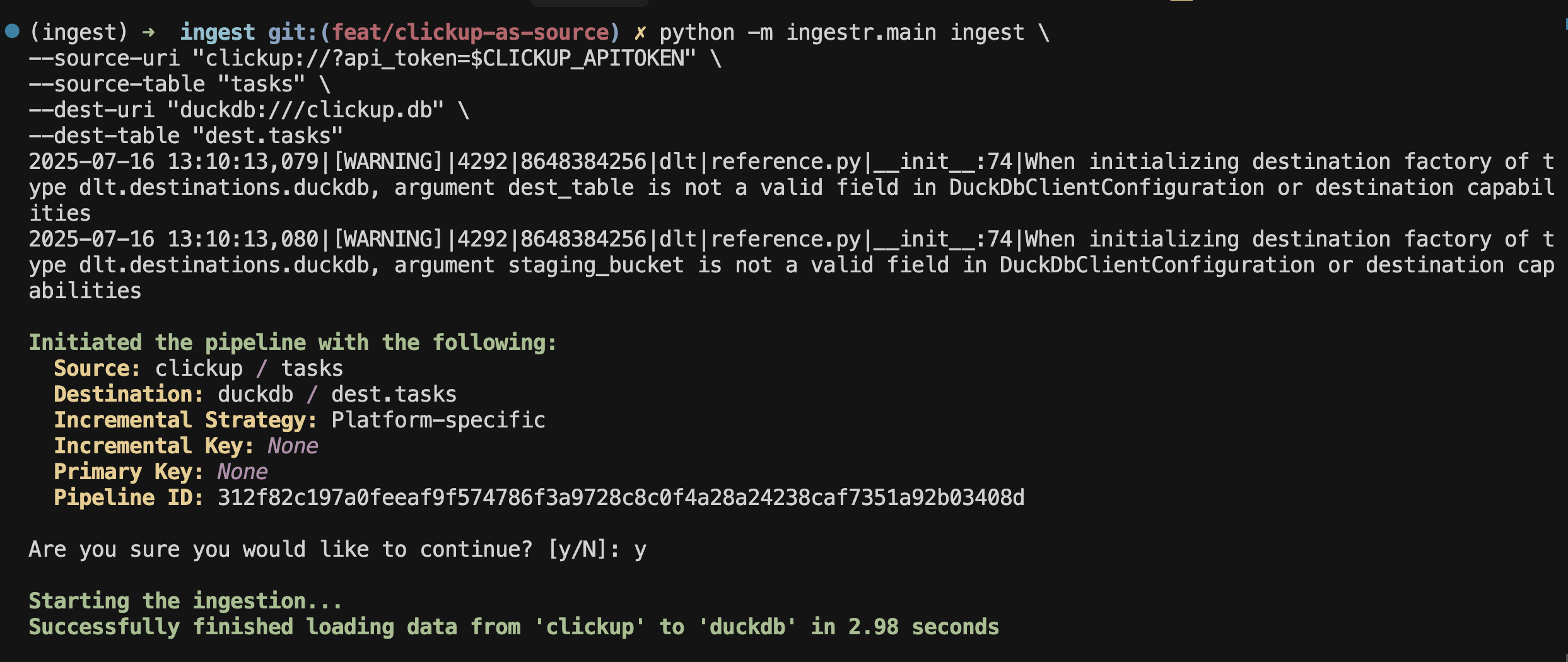
To ingest tasks from ClickUp into a DuckDB database:
omniload ingest \
  --source-uri "clickup://?api_token=token_123" \
  --source-table "tasks" \
  --dest-uri duckdb:///clickup.duckdb \
  --dest-table "public.tasks"
Tables
ClickUp source allows ingesting the following resources into separate tables:
Table |
PK |
Inc Key |
Inc Strategy |
Details |
|---|---|---|---|---|
id |
- |
merge |
The authorised user profile |
|
id |
– |
merge |
Workspaces available to the authenticated user. In ClickUp, a “team” in the API is equivalent to a workspace, which is the highest-level container for all spaces, folders, lists, and tasks |
|
id |
- |
merge |
Spaces available within a workspace. Spaces are major sections used to organize work, such as departments, projects, or business units. Each space can contain folders, lists, and tasks |
|
id |
– |
merge |
Lists contained in each space. Lists are collections of tasks, often representing projects, sprints, or workflow stages |
|
id |
date_updated |
merge |
Tasks belonging to each list |
Use these as --source-table parameter in the omniload ingest command.
Warning
ClickUp does not support incremental loading for many endpoints, which means omniload will load endpoints incrementally if they support it, and do a full-refresh if not.